
Mistwatch
GitHub
A local proxy in front of Mistral AI. It tracks your Vibe Code and Studio budgets and offers an auto model.
For the Vibe CLI and Vibe Desktop.
npx mistwatch setup --yes --harness vibe
npx mistwatch serve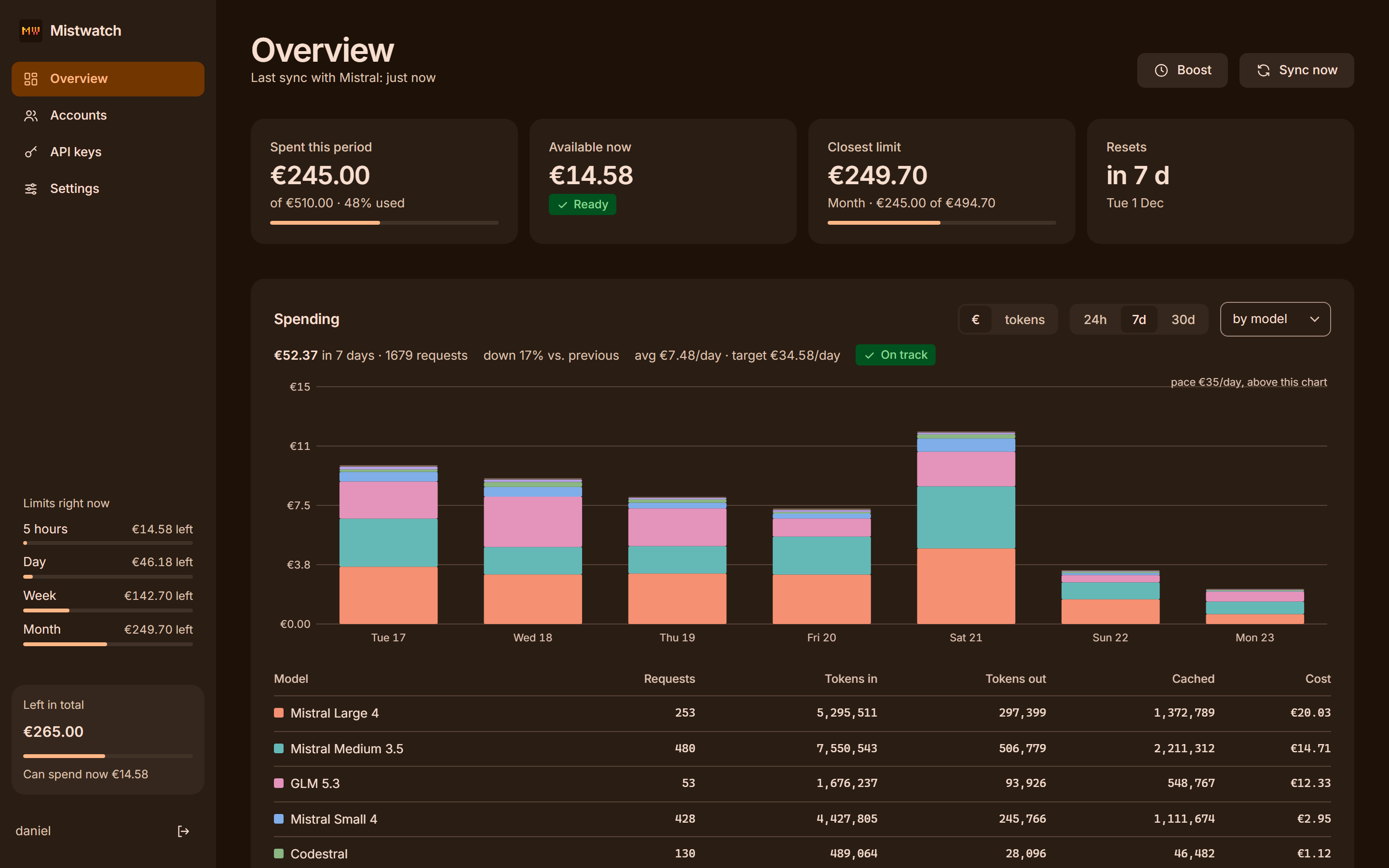
Setup
- Node 24 or newer, and a Vibe CLI signed in once (
vibe --setup). - Run the two commands above. Setup imports the Vibe login, creates a client token and adds the provider to
~/.vibe/config.toml(backup first).servekeeps running; the web UI is athttp://127.0.0.1:8787/. - Set the token:
setx MISTWATCH_TOKEN <token>on Windows,export MISTWATCH_TOKEN=<token>elsewhere. - In Vibe, open
/modeland pick Auto. For Vibe Desktop add--desktopto setup.
Vibe only
From 1 December 2026 Mistral counts usage through third-party coding tools towards the API allowance, not the Vibe allowance.
Mistwatch answers only clients whose User-Agent contains Mistral-Vibe; everything else gets 403.
Set vibe_only = false under [limits] to turn this off.